
欧浪编辑部
Oulang App for Android (Google Play)
Install Oulang on your Android from Google Play.
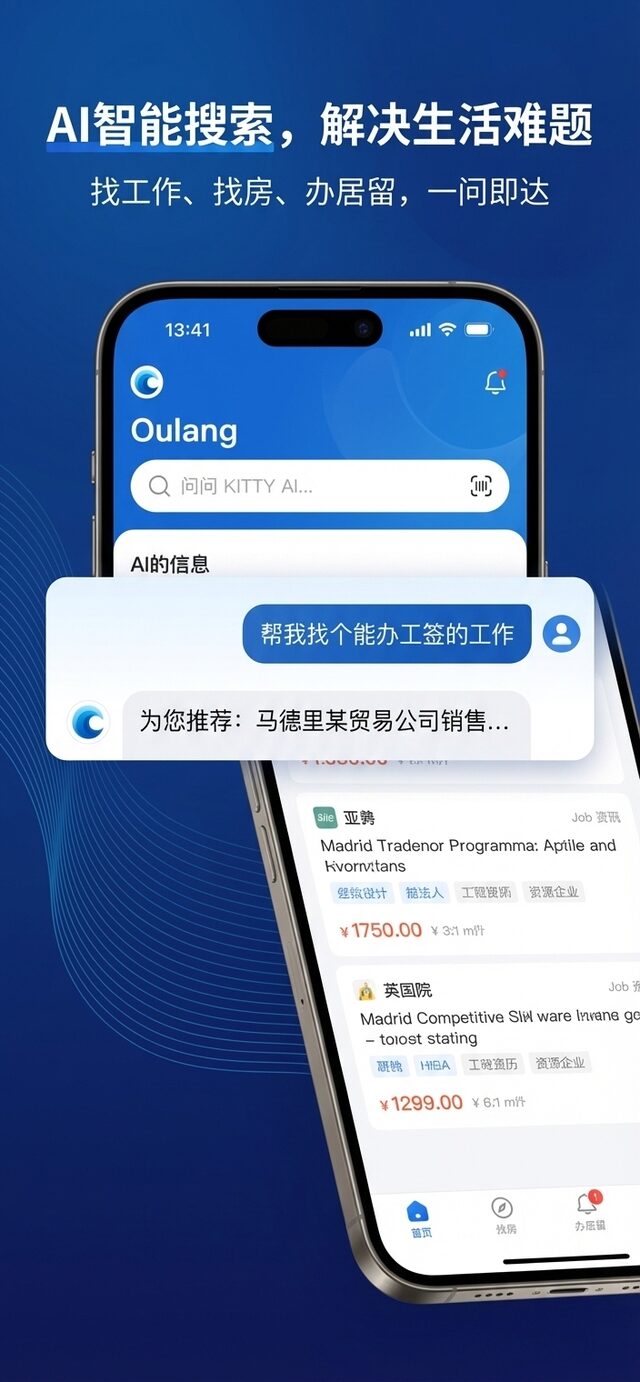
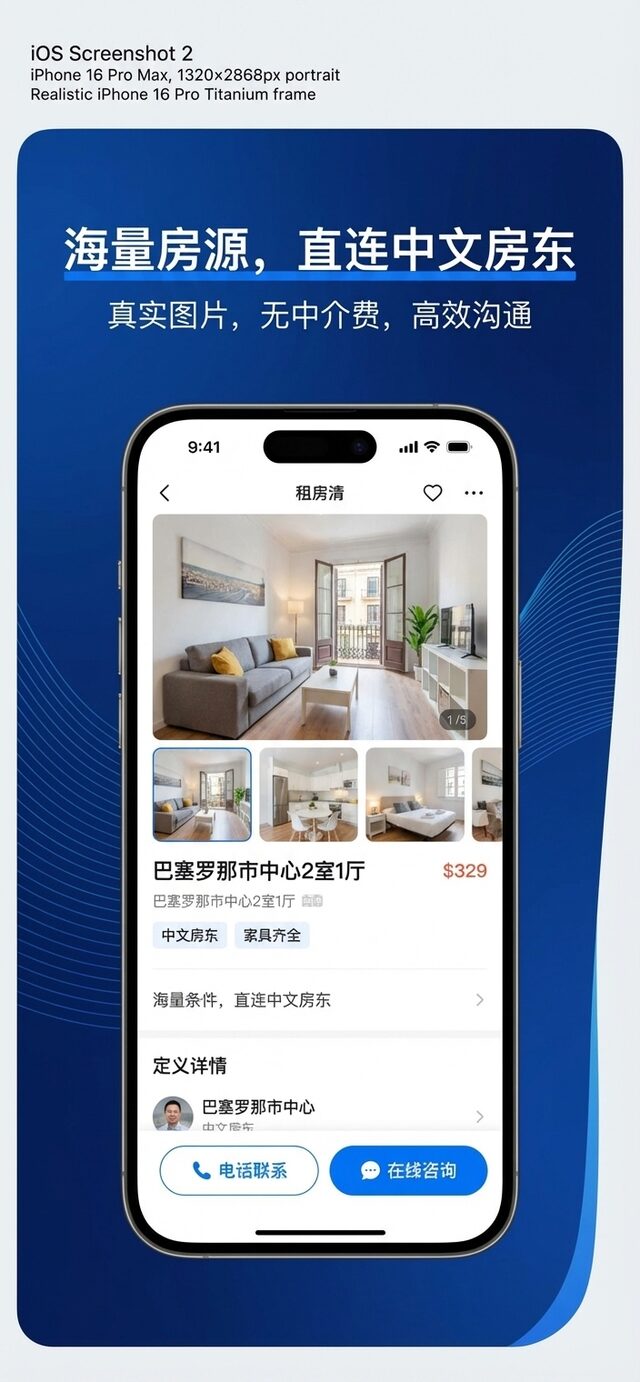
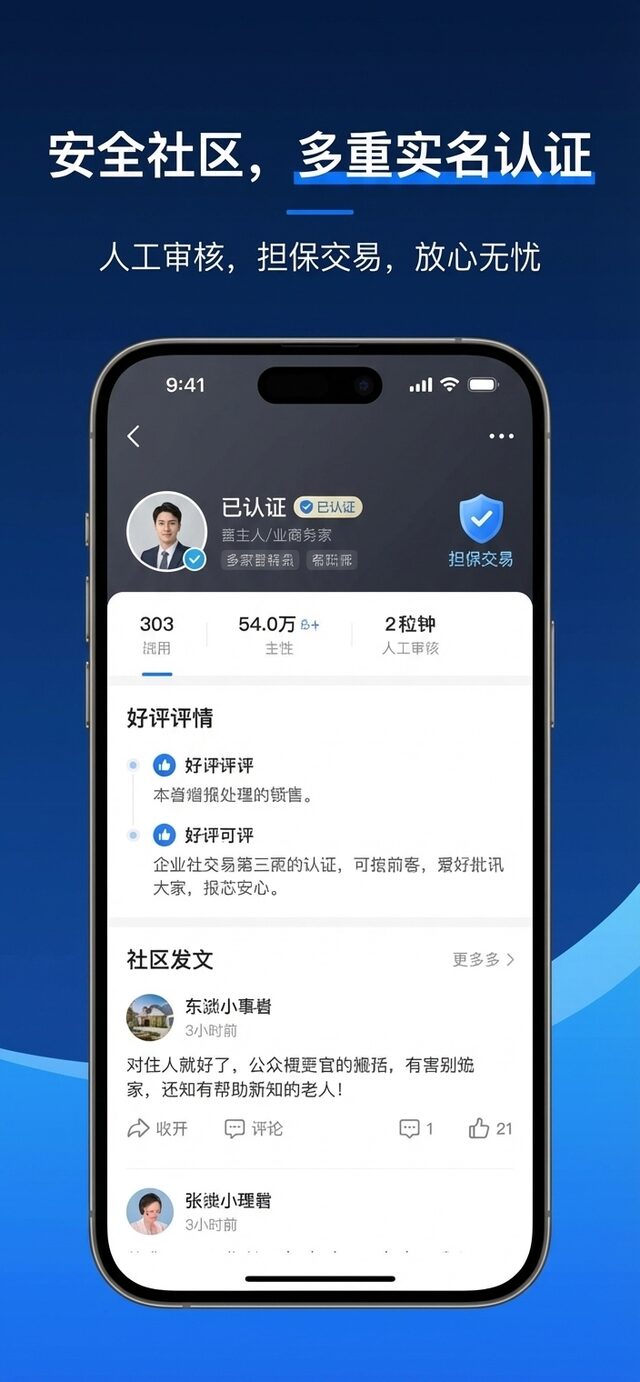
On Android, download the official Oulang (欧浪网) app from Google Play. The app opens faster and notifications arrive instantly.
Steps
1) Open Google Play; 2) search OULANG or tap the button below; 3) tap Install and open it from your home screen.
Download on the App Store (iPhone / iPad) | Get it on Google Play (Android) | Direct APK download (no Google Play)
No Google Play services? Use the direct APK link above — no Google account required. Free download.
Other download pages: Oulang for iPhone, Oulang for Android. After installing, open jobs, rentals or the Oulang home page.
Download & install FAQ:
How do I download Oulang on Android?
Use the direct official APK (no Google Play, no Google account needed) or search OULANG on Google Play.
Is the Oulang app free to download?
Yes, downloading and browsing are free; only featuring listings or premium features are optional paid extras.
Can I use Oulang on a computer?
Yes, open oulang.ai in your browser for the desktop version, or install it as an app from Chrome / Edge.