
欧浪编辑部
Oulang App for iPhone (App Store)
Install Oulang on your iPhone from the App Store.

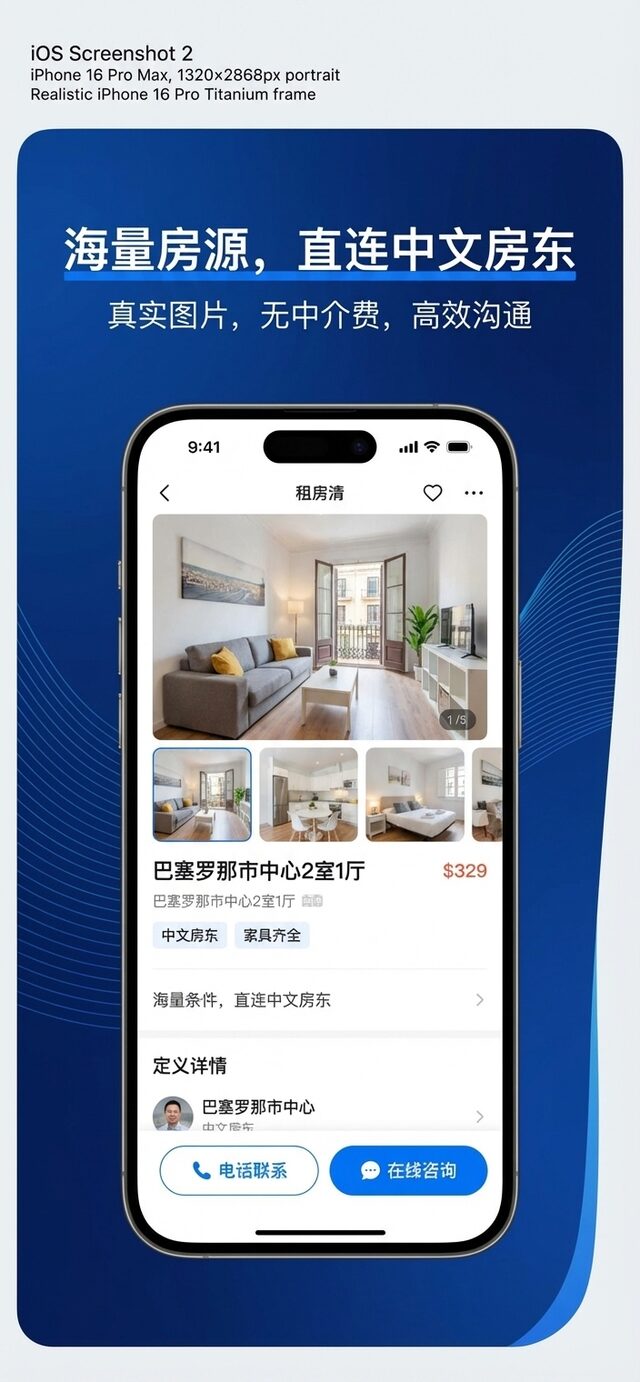

On iPhone and iPad you can download the official Oulang (欧浪网) app from the App Store. While browsing this site in Safari you will also see Apple's official Smart App Banner to install the app.
Steps
1) Open the App Store; 2) search OULANG or tap the button below; 3) tap Get and confirm with Face ID or Touch ID.
Download on the App Store (iPhone / iPad) | Get it on Google Play (Android)
Requirements: iPhone or iPad on a recent iOS version. Free download.
Other download pages: Oulang for iPhone, Oulang for Android. After installing, open jobs, rentals or the Oulang home page.
Download & install FAQ:
How do I install Oulang on iPhone?
Open the App Store, search OULANG and tap Get; in Safari you will also see Apple's official Smart App Banner to install the app.
Is the Oulang app free to download?
Yes, downloading and browsing are free; only featuring listings or premium features are optional paid extras.
Can I use Oulang on a computer?
Yes, open oulang.ai in your browser for the desktop version, or install it as an app from Chrome / Edge.